Penniva Free
For your everyday money.
$0for the essentials
- Transactions, accounts & budgets
- Bills & recurring income
- Reports & Net Worth views
- CSV export & local backups
No Penniva account required.
Your money, a little clearer
Track spending, plan bills, and see what’s left.
A little more clarity for your everyday money.
Free essentials. Optional Pro. Made for iPhone & iPad.
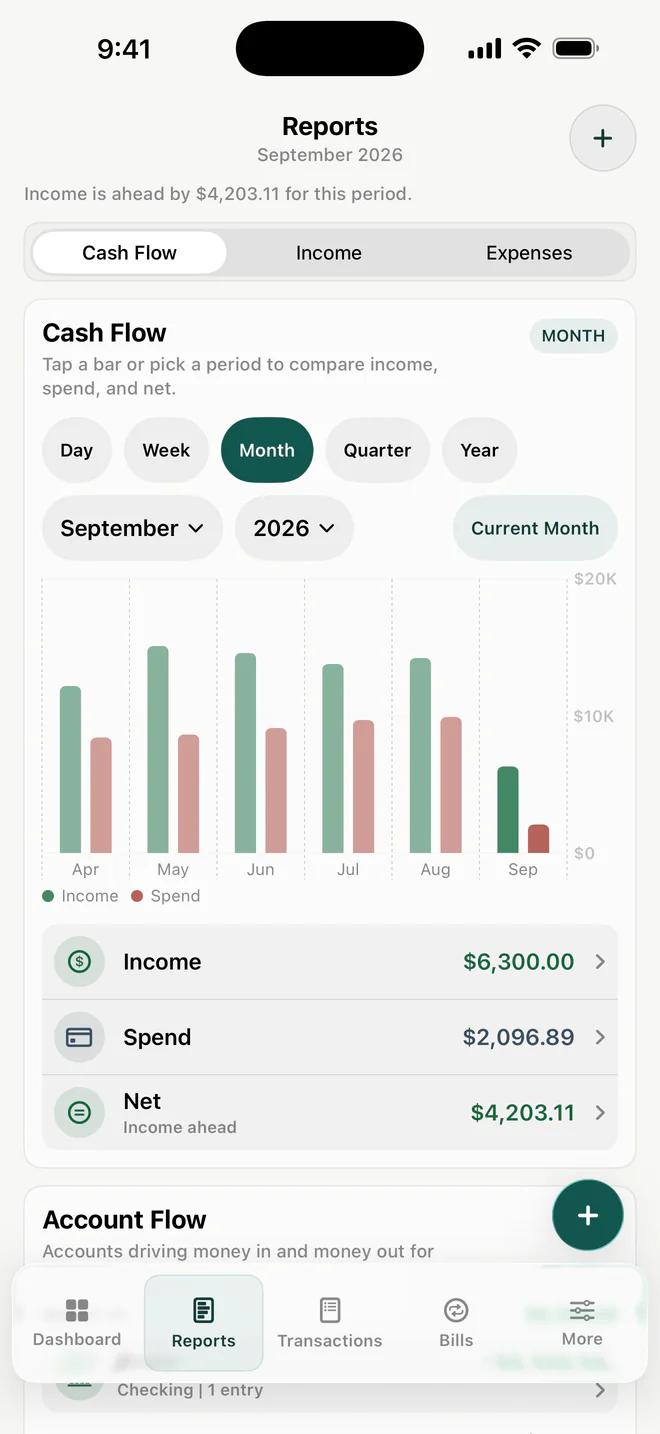
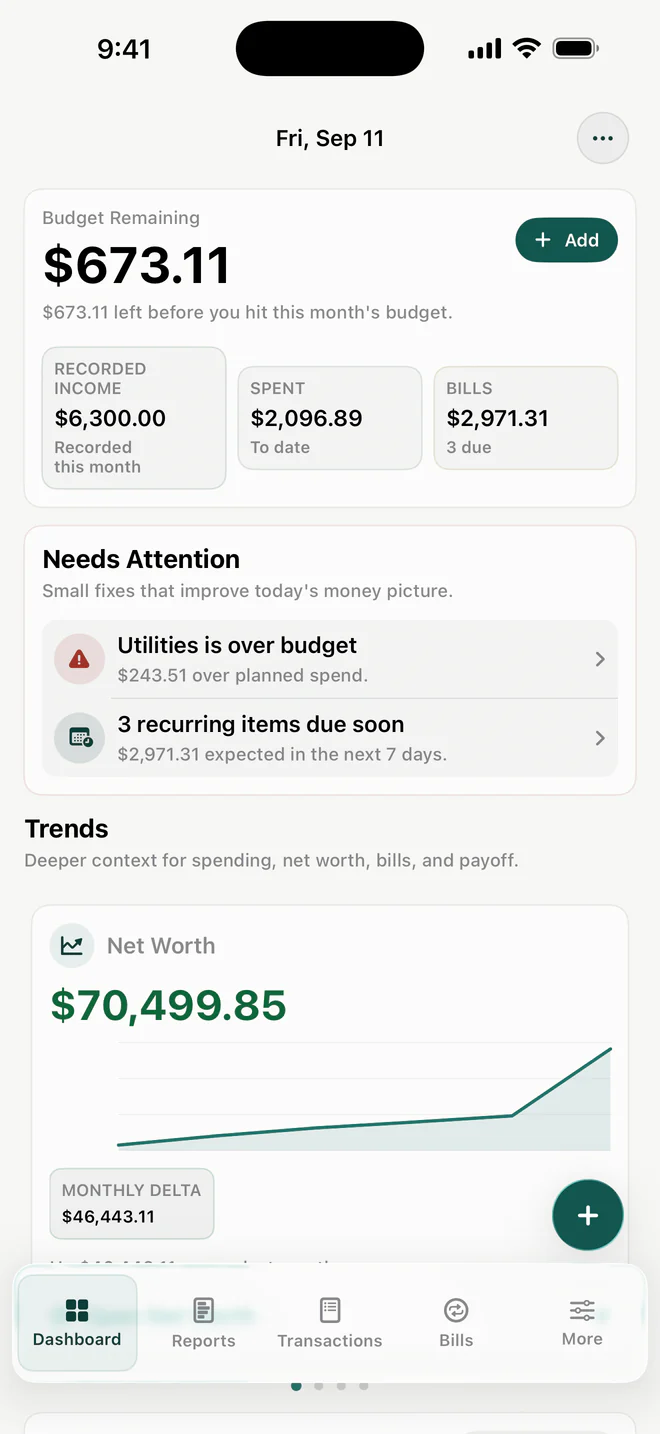
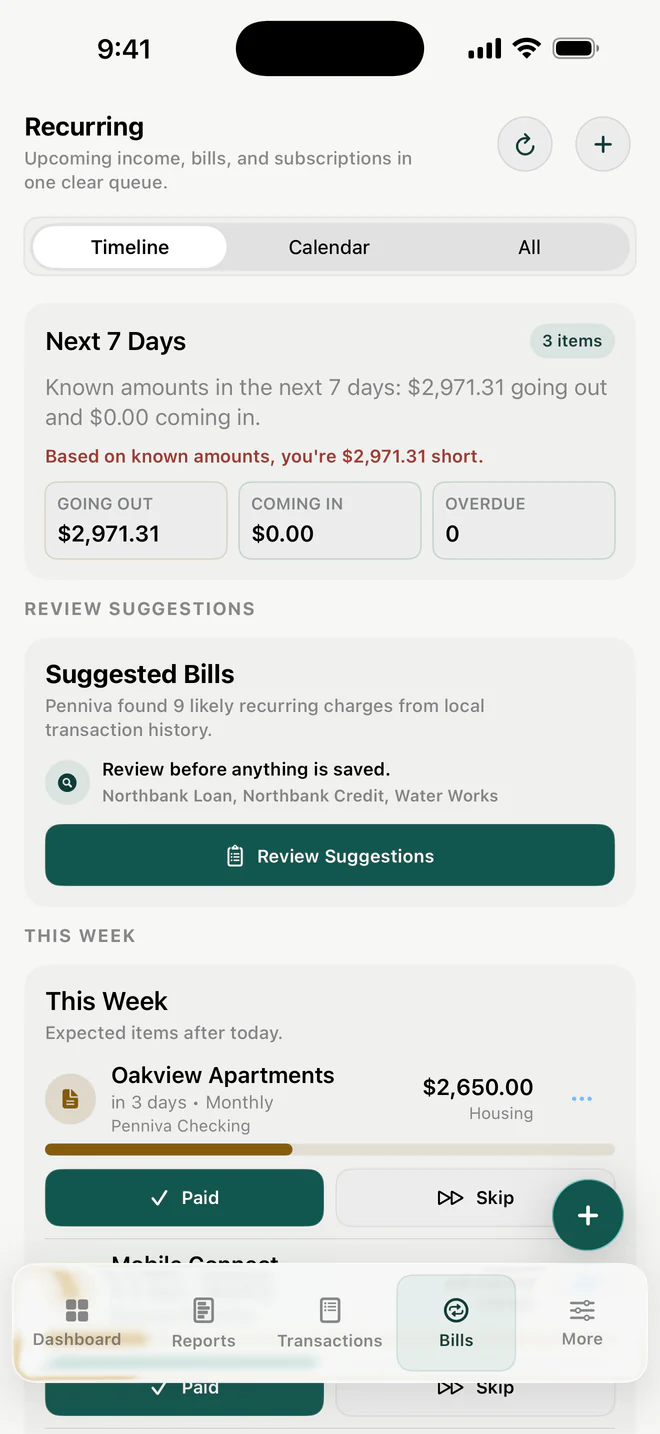
Real Penniva 1.1 screens. Sample data.
Made for the everyday
A home for the small details.
A clearer view of the whole month.
Start with what matters to you.
Penniva 1.1 · Sample data. Budget Remaining reflects your plan, not a verified bank balance.
Personal means personal
No Penniva account. No bank login. Your budget lives on your device, with optional private iCloud sync when you choose.
A closer look at your privacyCore budgeting works locally, even when you’re offline.
Viewing your records, CSV export, and local backups remain free.
Optional Pro iCloud sync for your own compatible Apple devices.
A good place to begin
Start with the essentials. Add a little more possibility when you’re ready.
For your everyday money.
$0for the essentials
No Penniva account required.
For your next chapter.
More room to plan.
See available plans and pricing in the app.
New in Penniva 1.1 · Available on the App Store ↗
Here from the beginning? Eligible founders keep their pre-Pro local features. Cloud Sync requires Pro.
Learn about founder access
No. You can add transactions yourself or import CSV and QIF files with Pro. Imports also remain included for eligible founders. Bank sync is not available in Penniva 1.1.
Yes. Core budgeting and on-device import processing work locally. Optional iCloud sync needs an internet connection, and purchases are handled through Apple.
Yes. Penniva supports iPhone and iPad on iOS/iPadOS 16 or later. Optional Pro Cloud Sync requires iOS/iPadOS 17+, compatible app versions, the same iCloud account, and setup on your own devices. It is off until you turn it on.
Your existing financial records remain readable. CSV export and full local backup/restore remain free. Eligible founders keep their grandfathered local features. Cloud Sync requires Pro.

Make a little room for your everyday money.
Download on the App StoreFree essentials. Optional Pro. iPhone & iPad.